

Playback Check
Hear a video the way each device plays it
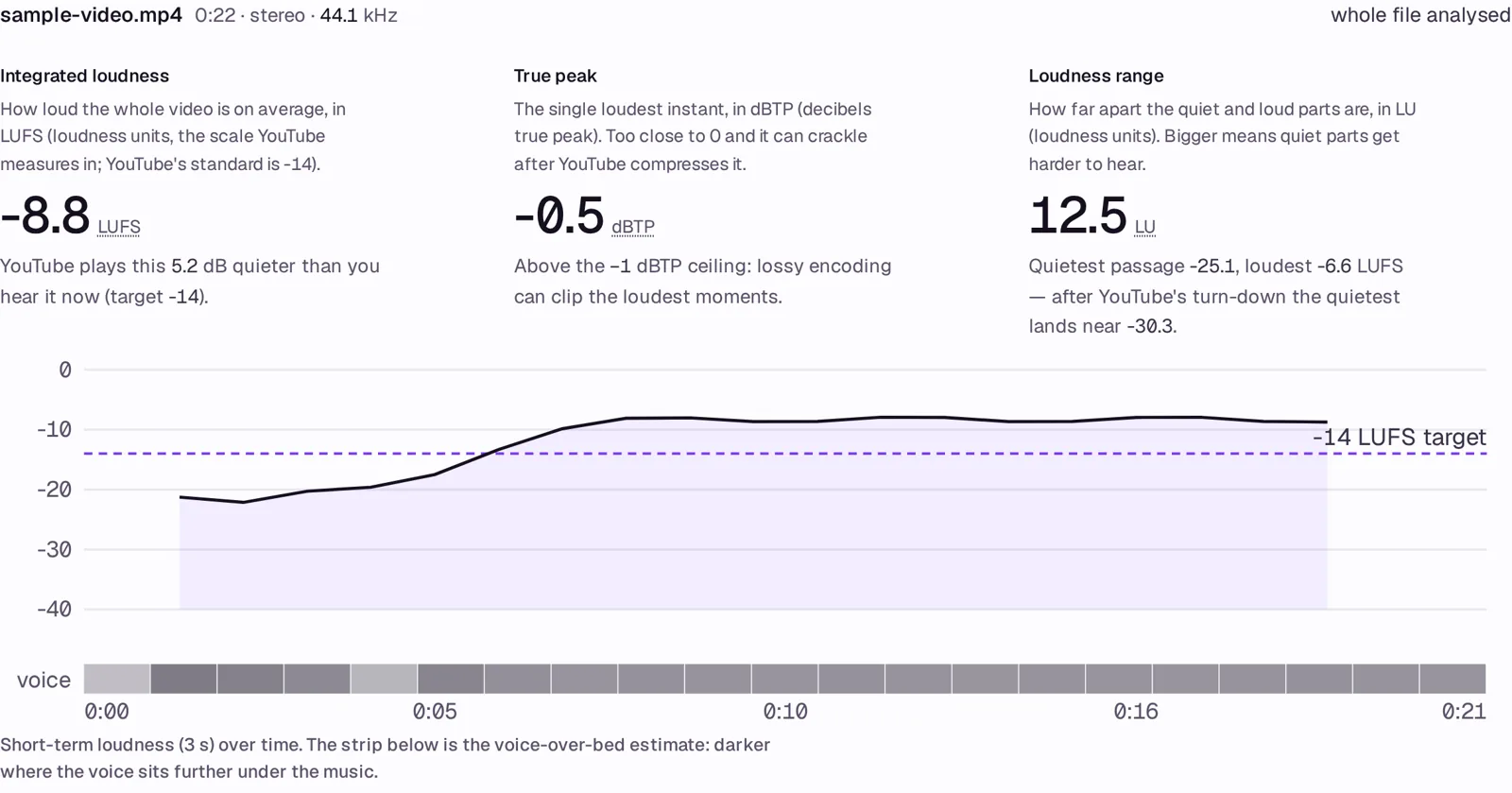
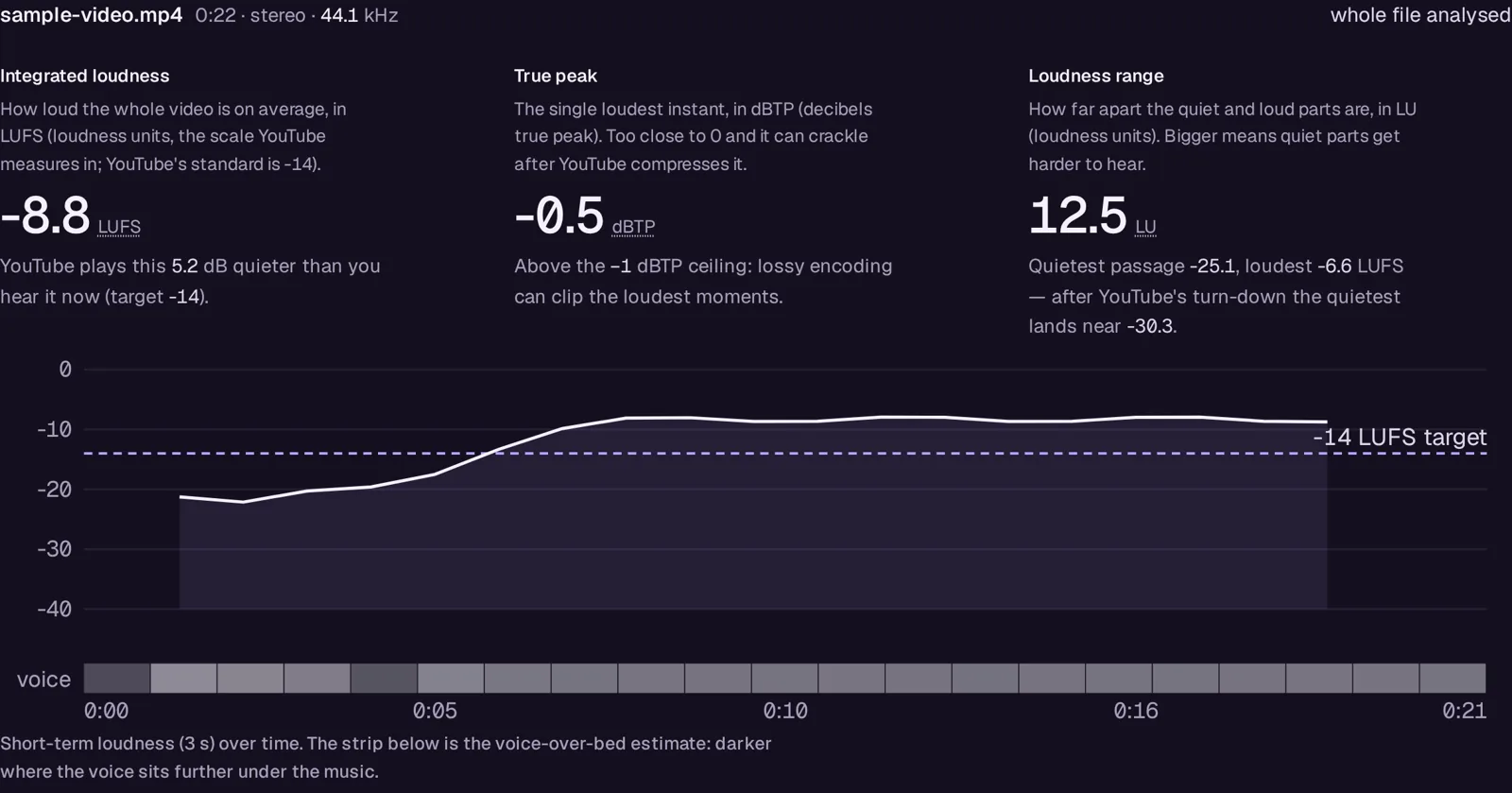
A video goes in; you hear it through seven modelled devices and get its loudness, true peak and range against YouTube's −14 LUFS.
- You give it
- One video or audio file, up to 1 000 MB
- You get back
- A report: integrated loudness, true peak, range, per-device rows, suggested fixes with the number each comes from
- Where it runs
- Runs in your browser
What you get free
The first three minutes of any file, all seven devices, every number and every suggestion.
What it doesn't do
- The device responses are models of typical devices, not measurements of a particular product, and the page says so. The voice-over-bed figure is an estimate.
- Anything the browser can decode: MP4, MOV, WebM, MKV, MP3, WAV, AAC, FLAC, OGG. Some codecs inside video containers cannot be decoded in a browser; the tool says so and asks for the audio track.
What it costs
$5 a month on its own, or in Creator ($8 a month); every paid tool for $24. It adds: The whole file, however long; the free tier measures the first three minutes.
One subscription, one invoice — add a tool any time, prorated. Sign in and it unlocks; or paste your key once per device.
If it doesn't work
Email support@avyth.com and the person who built Playback Check reads it. If it fails on your file, say what the file looks like — that is usually enough to fix it.