

Statement Converter
Turn bank statements into a spreadsheet or QuickBooks file
CSV or PDF statements go in; one clean table comes out — CSV, Excel (.xlsx) with amounts as numbers, or a QuickBooks Web Connect file (.qbo) and OFX.
- You give it
- Bank or card statements — the CSV your bank exports, or the monthly PDF
- You get back
- CSV free; Excel, .qbo and OFX with the subscription; every row, oldest first
- Where it runs
- Runs in your browser
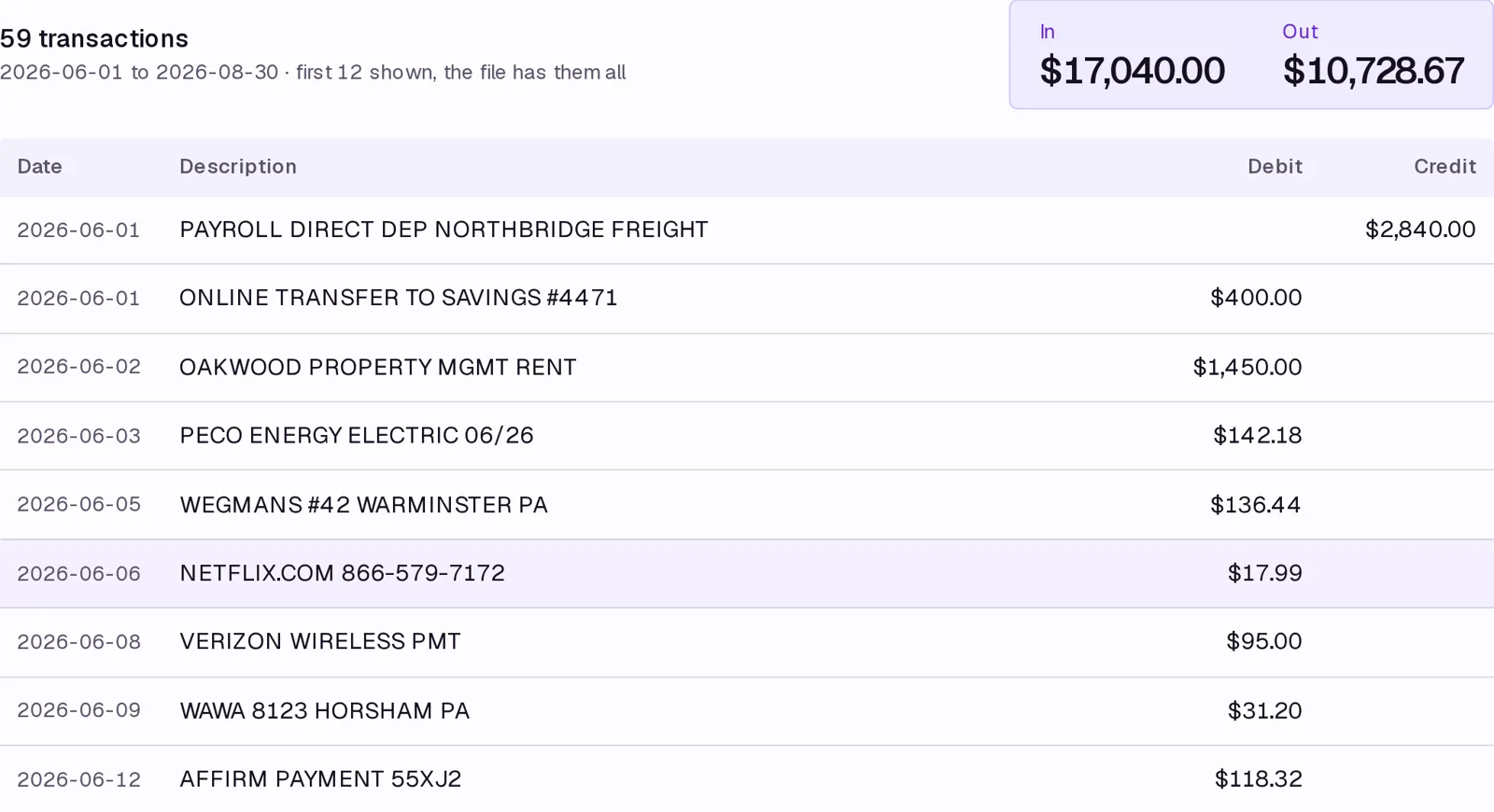
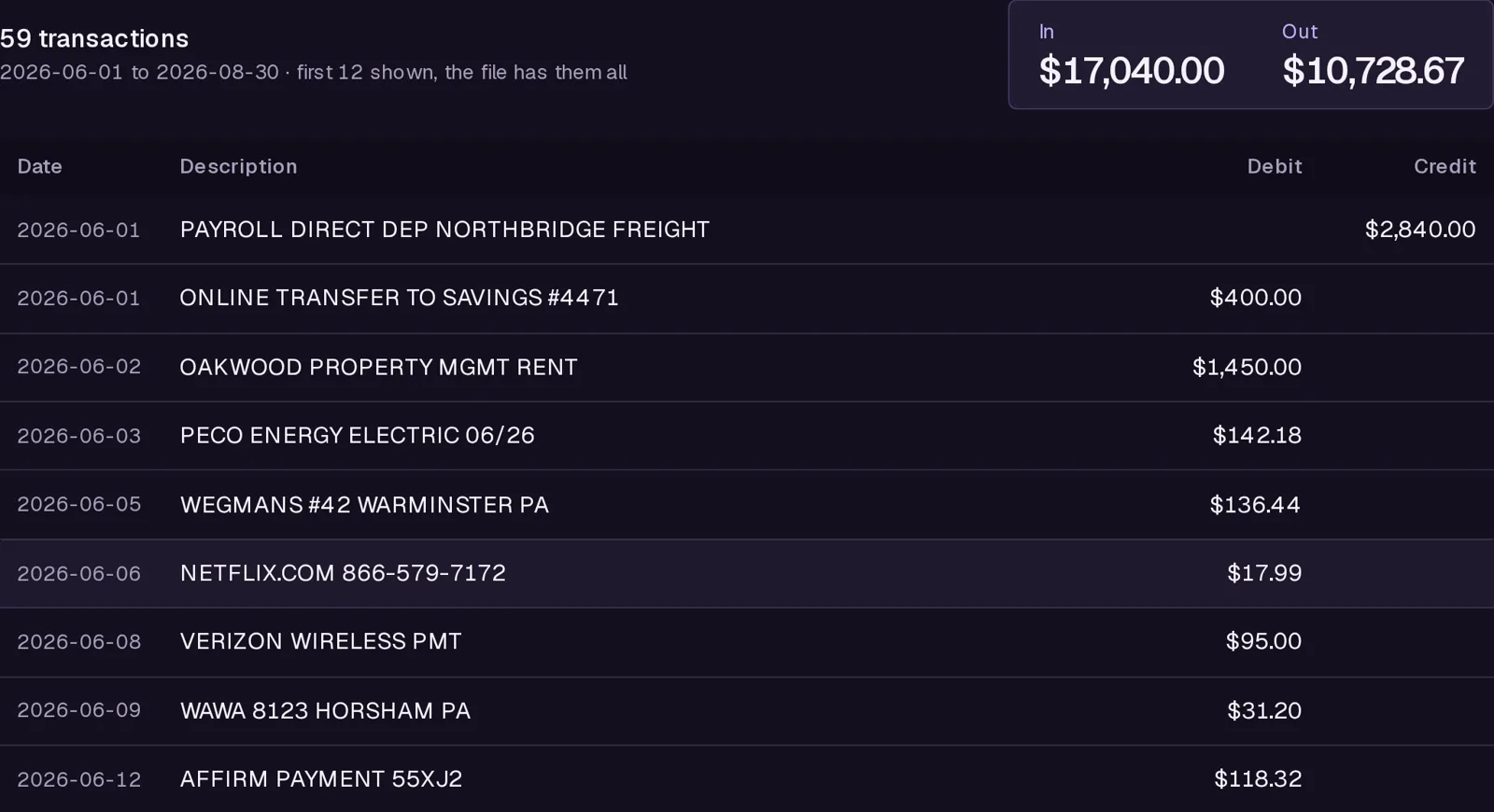
What you get free
One statement at a time, CSV or PDF in, CSV out, in your browser.
What it doesn't do
- Statements are read and the files are written in your browser; nothing is uploaded or stored.
- A running balance is not carried over; banks print it inconsistently and imports do not need it.
- Scanned PDFs (no text layer) cannot be read.
What it costs
$5 a month on its own, or in Statements ($9 a month or $79 a year); every paid tool for $24. It adds: Any number of statements together as one table, plus Excel, QuickBooks (.qbo) and OFX output; the free tier converts one file at a time to CSV.
One subscription, one invoice — add a tool any time, prorated. Sign in and it unlocks; or paste your key once per device.
If it doesn't work
Email support@avyth.com and the person who built Statement Converter reads it. If it fails on your file, say what the file looks like — that is usually enough to fix it.