

Statement Insight
Read your bank statements plainly
A few months of CSV or PDF statements go in; what a month really costs, what recurs and what it adds up to a year, and what fees and interest quietly cost come out.
- You give it
- Bank or card statements — the CSV your bank exports, or the monthly PDF
- You get back
- Typical month in and out, recurring charges with yearly cost, categories, top merchants, fees
- Where it runs
- Runs in your browser
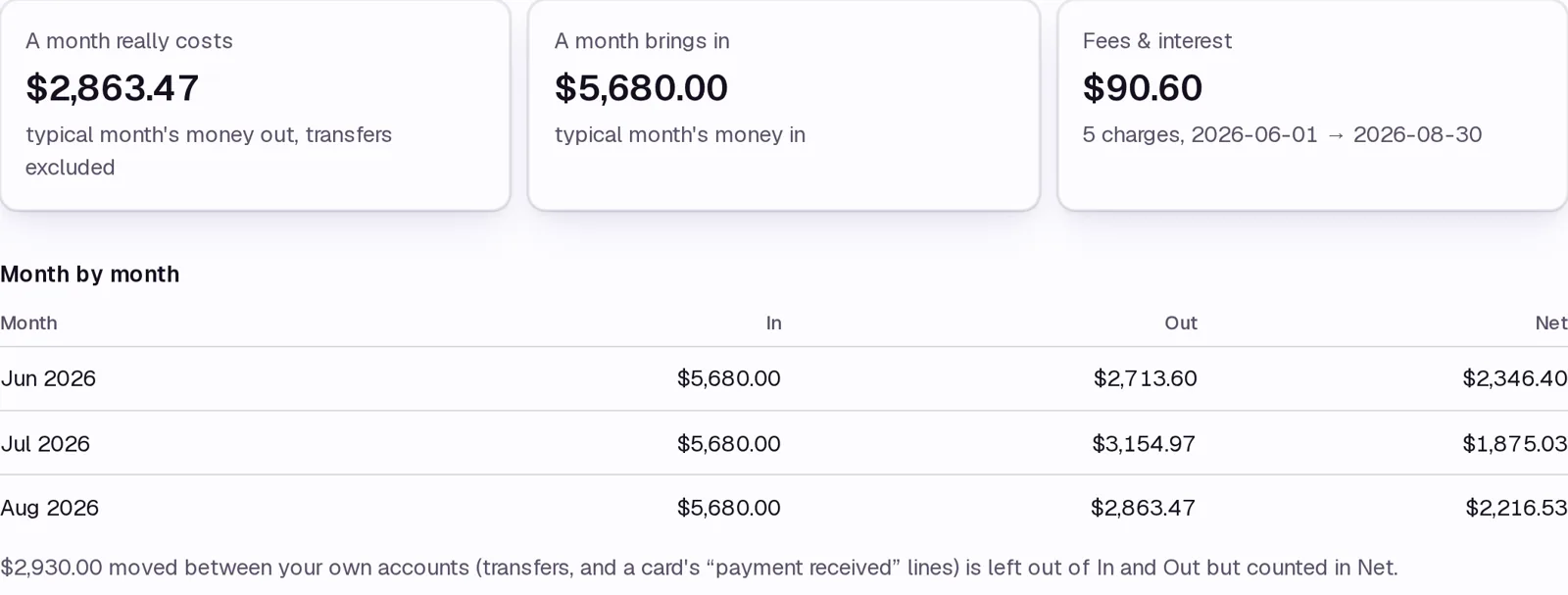
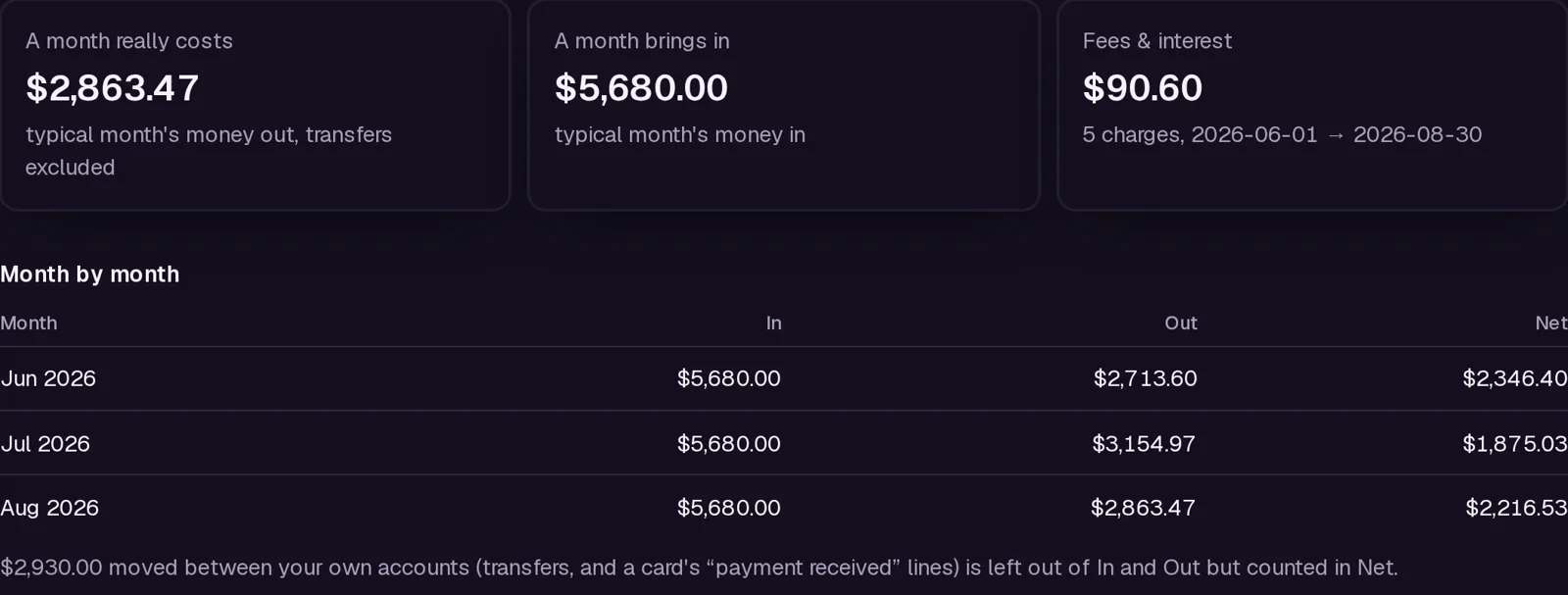
What you get free
The whole read for up to two CSV statements at a time, in your browser.
What it doesn't do
- Statements are read in your browser and never uploaded or stored; close the tab and they are gone.
- Columns and section headings are sniffed, not assumed; the page says how each file was read and a Flip control fixes a wrong guess.
- Scanned PDFs (no text layer) cannot be read.
What it costs
$5 a month on its own, or in Statements ($9 a month or $79 a year); every paid tool for $24. It adds: Unlimited statements at once and the monthly PDFs, not just CSV; the free tier reads two files at a time.
One subscription, one invoice — add a tool any time, prorated. Sign in and it unlocks; or paste your key once per device.
If it doesn't work
Email support@avyth.com and the person who built Statement Insight reads it. If it fails on your file, say what the file looks like — that is usually enough to fix it.