

Thumbnail Preflight
See a thumbnail at the size viewers see it
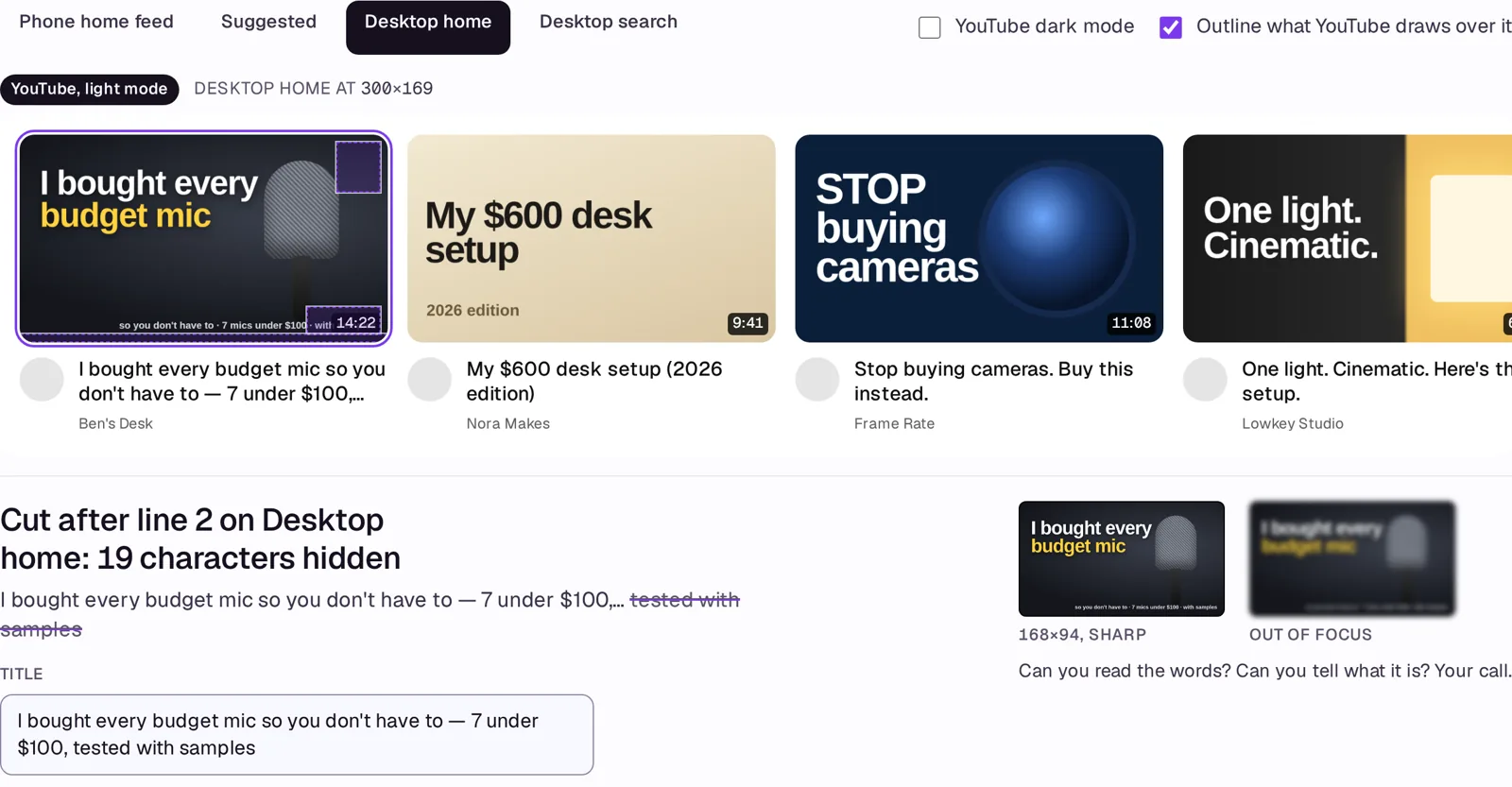
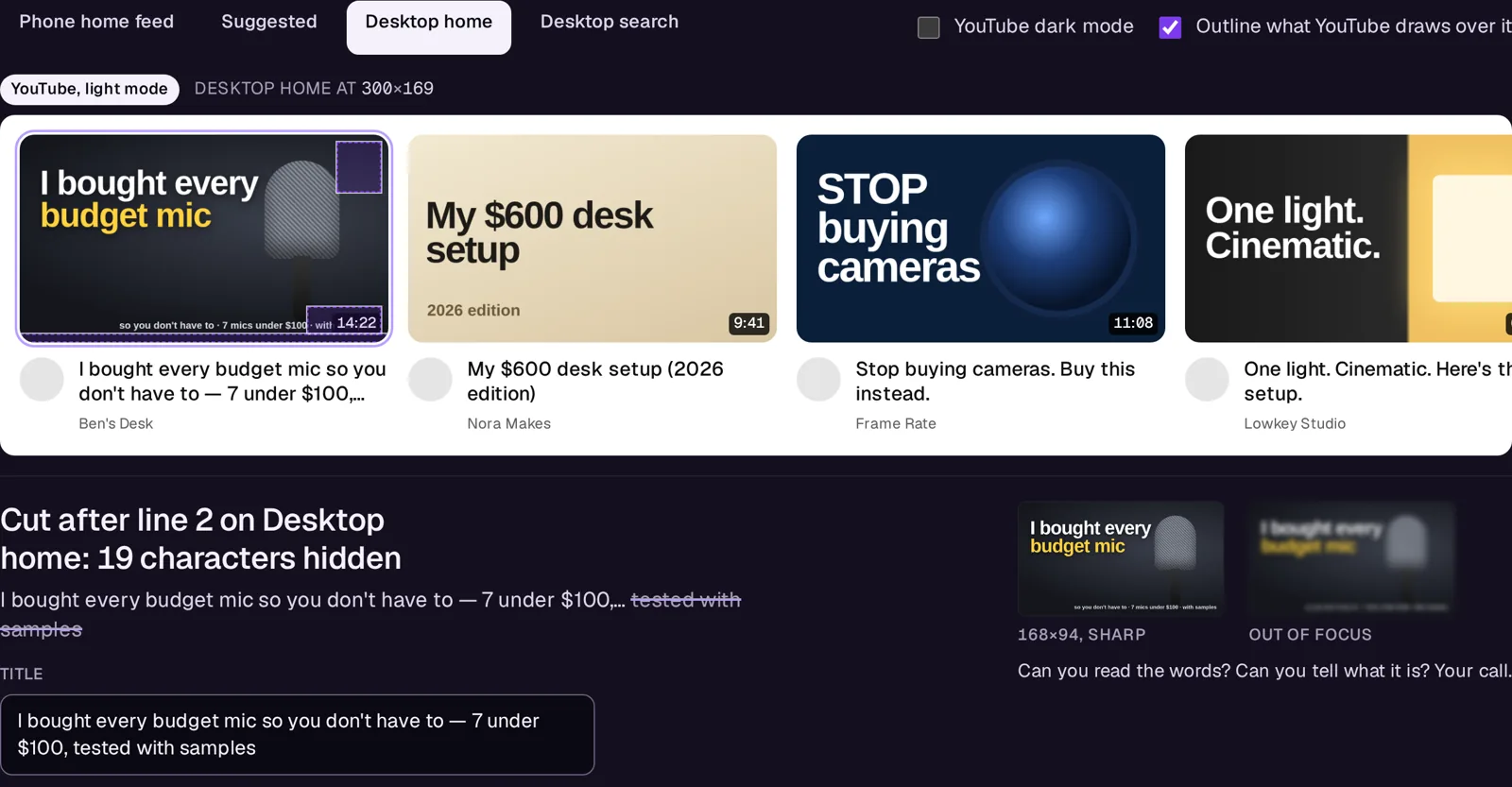
A thumbnail and a title go in; you see them at true pixel size on the phone feed, desktop home, the suggested sidebar and search, in light and dark, beside other videos.
- You give it
- One image (PNG or JPEG) and a title
- You get back
- Four surfaces rendered at real size, the 168-px look, and the objective checks: size, weight, ratio, truncation, what YouTube's UI covers
- Where it runs
- Runs in your browser
What you get free
The whole tool: a thumbnail and title on all four surfaces, both themes, every check, the 168-px look.
What it doesn't do
- No predicted click-through rate, on purpose: that number cannot be checked. YouTube Studio's Test & Compare runs the real test; this makes sure what you send it is legible and intact.
- Surface dimensions are YouTube's layouts as measured in September 2026; the typeface is this page's, not Roboto, so truncation can differ by a character.
What it costs
Thumbnail Preflight is free, and stays free. No account, nothing to cancel.
If it doesn't work
Email support@avyth.com and the person who built Thumbnail Preflight reads it. If it fails on your file, say what the file looks like — that is usually enough to fix it.